My Places Premium
Save the spots you care about — a trusted overnight, a favourite trailhead, a dump station — and group them into collections. Your places show up on the map as you plan.
Create a collection
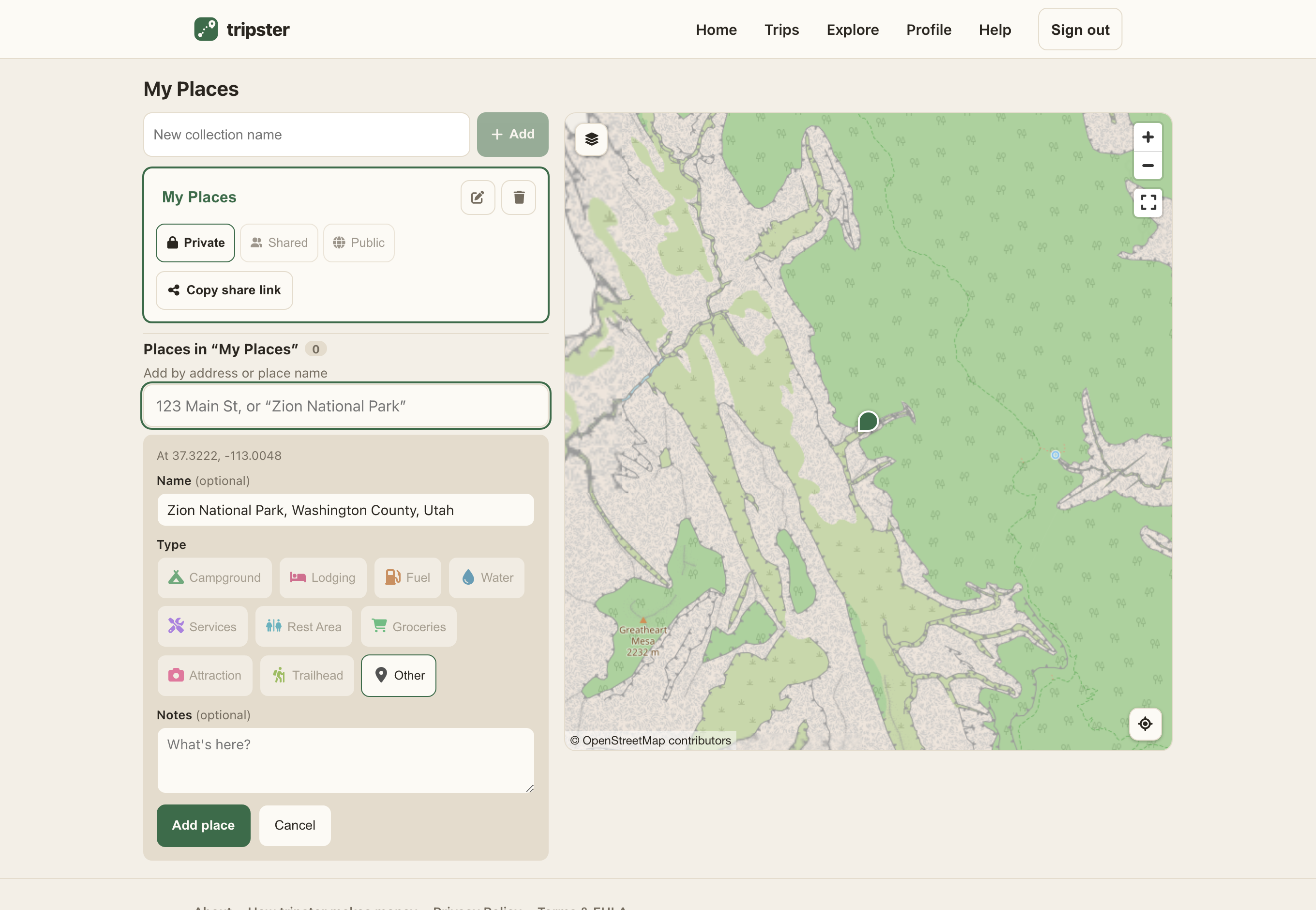
- Open My Places, type a name in the box, and choose Add.
- Collections keep your spots organised — think “Baja run” or “go-to boondocking”. Select one to work on its places.
Drop a place
- With a collection selected, tap the map where the spot is to drop a pin.
- Give it a name, pick a type (fuel, water, camping, and so on), add any notes, and save.
- Tap a pin — or a row in the list — to edit or delete it later.
Who can see a collection
Each collection has a visibility, set with the toggle on its card:
- Private
- Only you. The default.
- Shared
- Anyone you hand a share link to can view it, read-only.
- Public
- Your places surface to everyone as community spots, attributed to your handle. Use Submit to public when you’re ready — it asks you to set a handle first.