Getting started
tripster builds a road trip around your limits — your daily drive cap, your vehicle’s size, the stops you care about. Here’s how the pieces fit together.
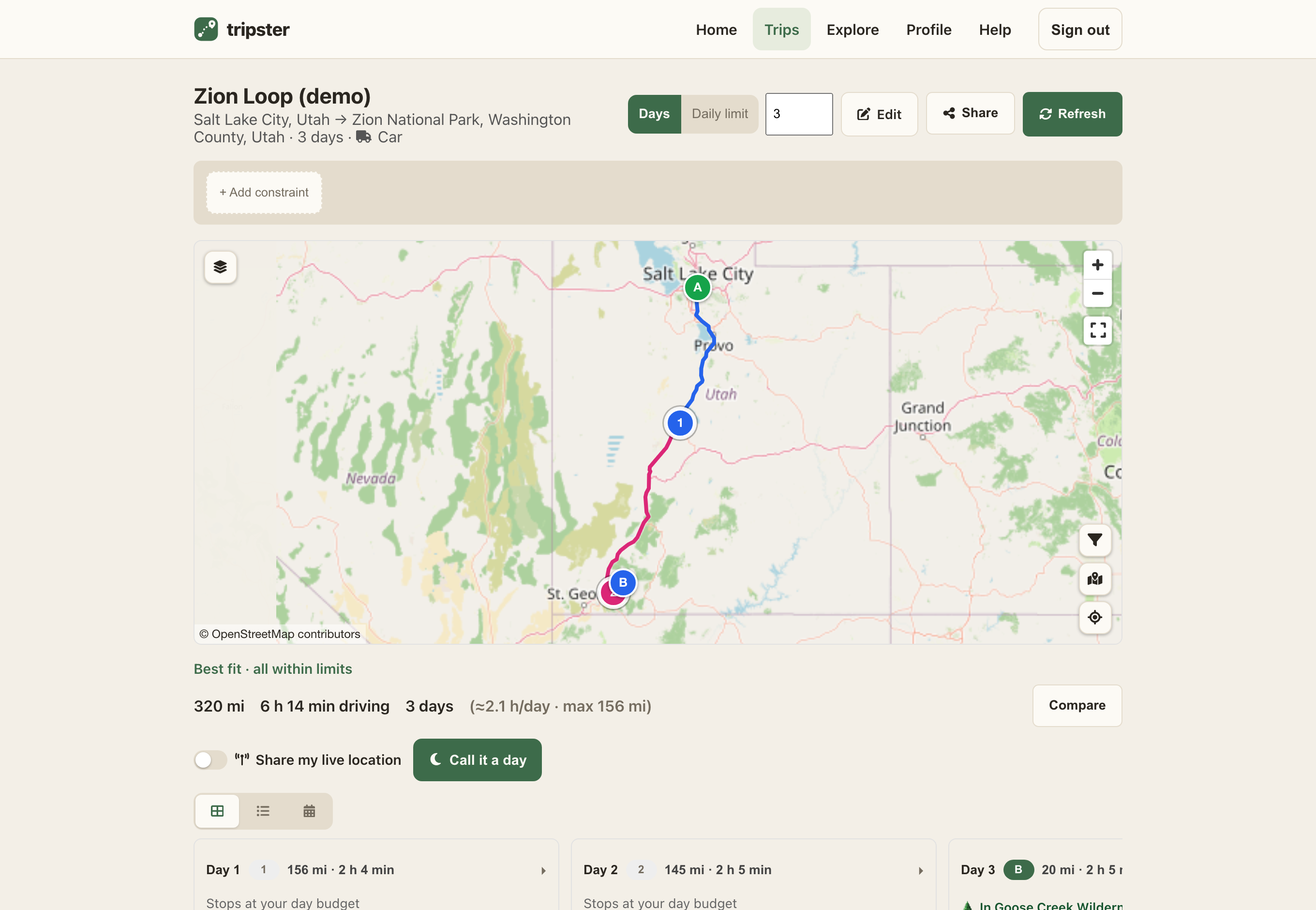
The basics
- Add your vehicle. In Preferences → Garage, add the rig you drive so routes avoid roads it won’t fit. A plain car needs nothing here.
- Plan a trip. On Trips, set a start, a destination, and how many days you have. tripster splits the route into daily legs.
- Tune it. Adjust your speed cap and how far off-route to look for stops, then pick the stops you want for each night.
- Share it. Send a read-only link or a PDF, and broadcast your live location while you drive.
Guides
Planning trips Build a route around your daily limits, with stops along the way. Vehicles & parameters Route against your rig’s real size, speed, and how far to look for stops. My Places Save your own spots, group them into collections, and put them on the map. Exploring stops Browse campgrounds, fuel, water and more around any spot — no trip needed. Weather & map overlaysPremium Lay temperature, rain, wind, air quality and public land over your route. Reviews & community Rate and photograph stops, and help keep the map honest. Sharing & live location Share a trip or collection read-only, and broadcast where you are. Account & preferences Your handle, profile picture, units, look, and trip defaults.
Ready to start? Sign in and plan your first trip.